How the API works
The API gives your programs the same actions accounts perform in the dashboard: find chats, collect members, check a profile, write to a person, change a name. Access is by a key with the scopes you choose.
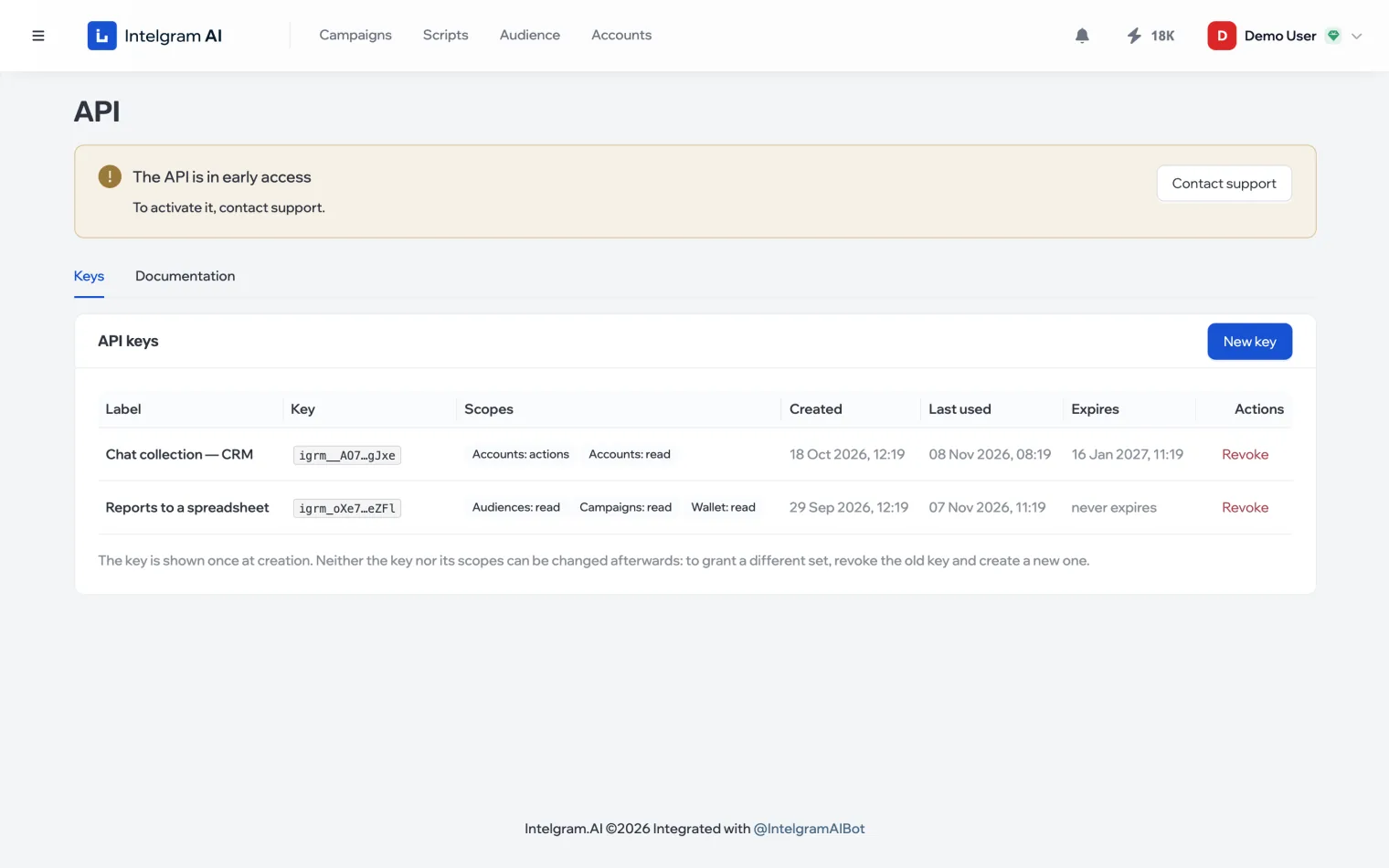
Early access
The API is in early access: to turn it on, contact support — the Contact support button is right in the section. The section opens from the profile menu in the top right: API.
How a call works
- KeyCreate one with the scopes you need
- CallA method and the account to act as
- JobYou get a job ID back
- ResultFetch it by the job ID
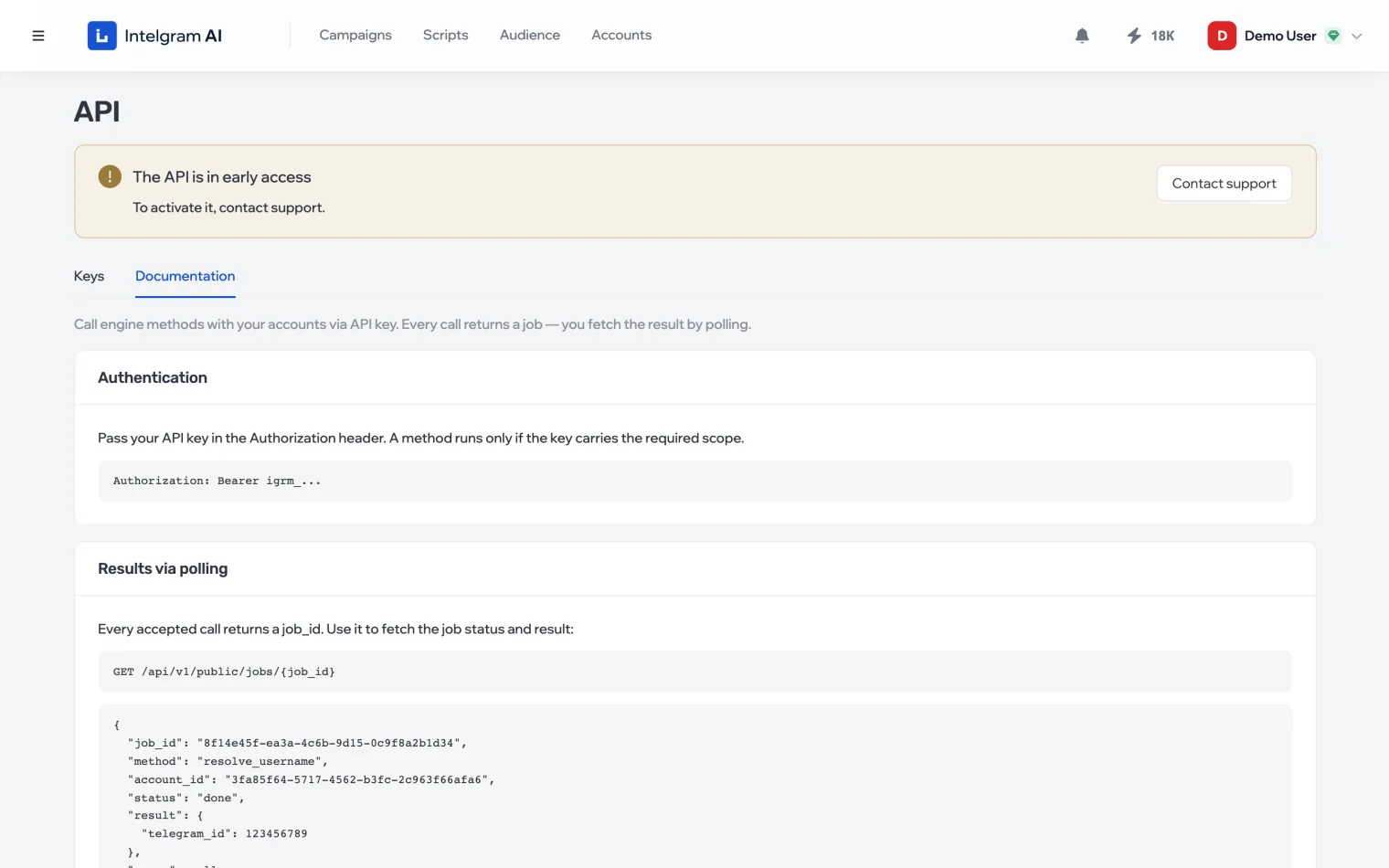
Methods aren’t instant: the action is performed by an account in Telegram, so a call immediately returns a job ID and you fetch the result by polling. Details are in Call a method.
Documentation in the dashboard
The Documentation tab in the API section is a live reference: every method with its parameters and constraints, daily limits per account, an example result and the key scopes. It always matches what the API accepts.
Limits
- Each method acts on behalf of one of your accounts and uses that account’s daily limit for the action — the same one as when working in the dashboard.
- No more than 60 requests per minute.
- No more than 15 active keys.