How accounts work
Accounts are the Telegram profiles your campaigns write from. You rent them as a monthly package, set them up for your task and sort them into groups.
The order of work
- RentA package with the number of accounts you need
- Set upName, bio, avatars — with a template
- SortInto groups for campaigns
- MonitorRestrictions
An account doesn’t work without a profile setup. Until a template has been applied to it, campaigns don’t use it.
Statuses
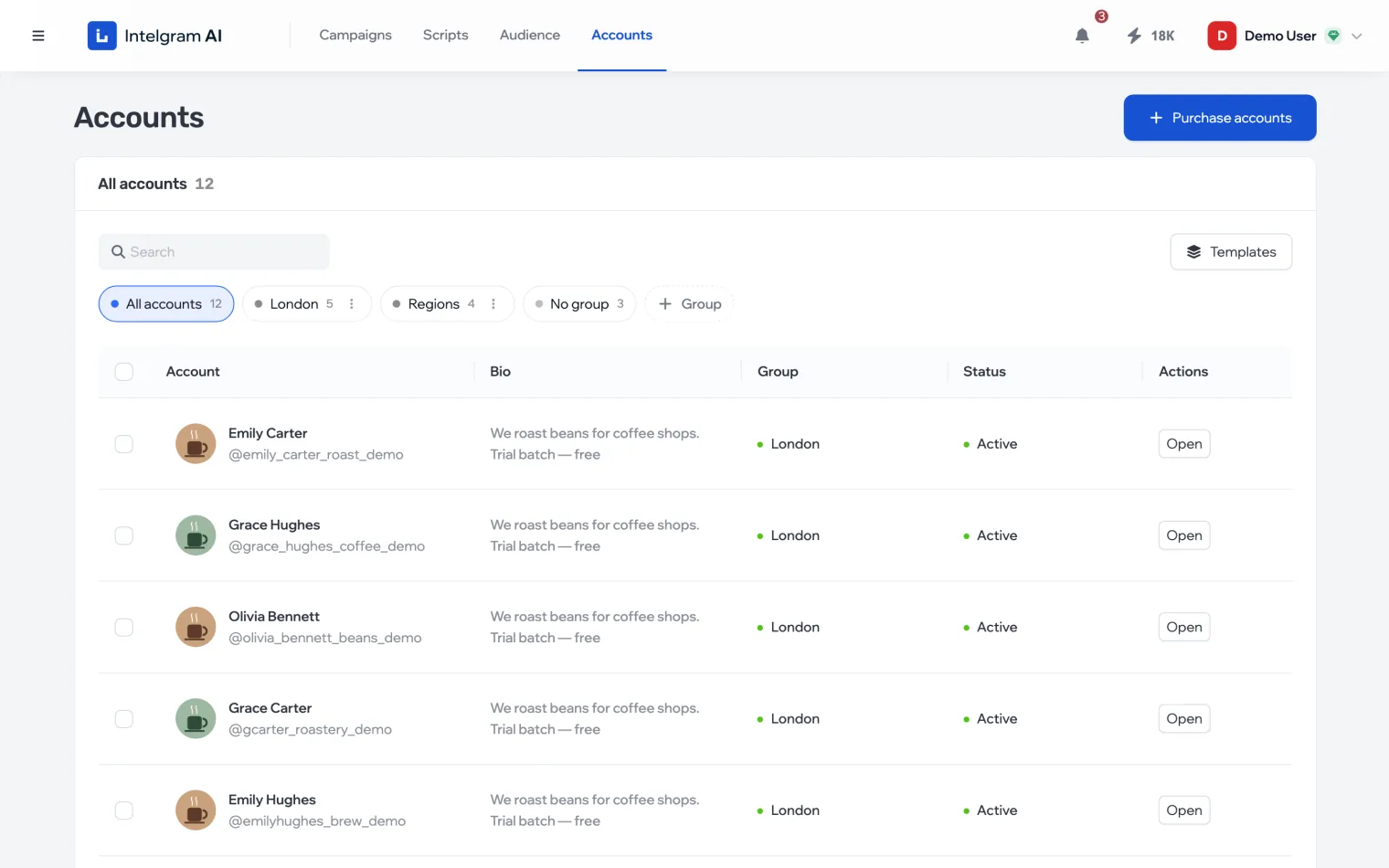
The status in the table shows whether the account can work right now.
| Status | Meaning |
|---|---|
| Active | Set up and unrestricted — it works in campaigns |
| Restricted | A restriction is in effect: some actions are paused until the time shown |
| Not decorated | No template applied — it won’t be used in campaigns |
| Preparing | A template is being applied: the profile changes step by step |
| Preparation failed | A setup step didn’t go through — click Retry |
| Banned | Telegram banned the account — it can’t be used any more |
| Renewal required | The package isn’t paid: the account is yours but doesn’t work until you renew the package |
After a purchase
Purchased accounts don’t appear immediately: they’re checked and prepared before delivery. While that’s going on, a banner above the table says “N accounts are being prepared for delivery” — the accounts are added to the list automatically.
The account card
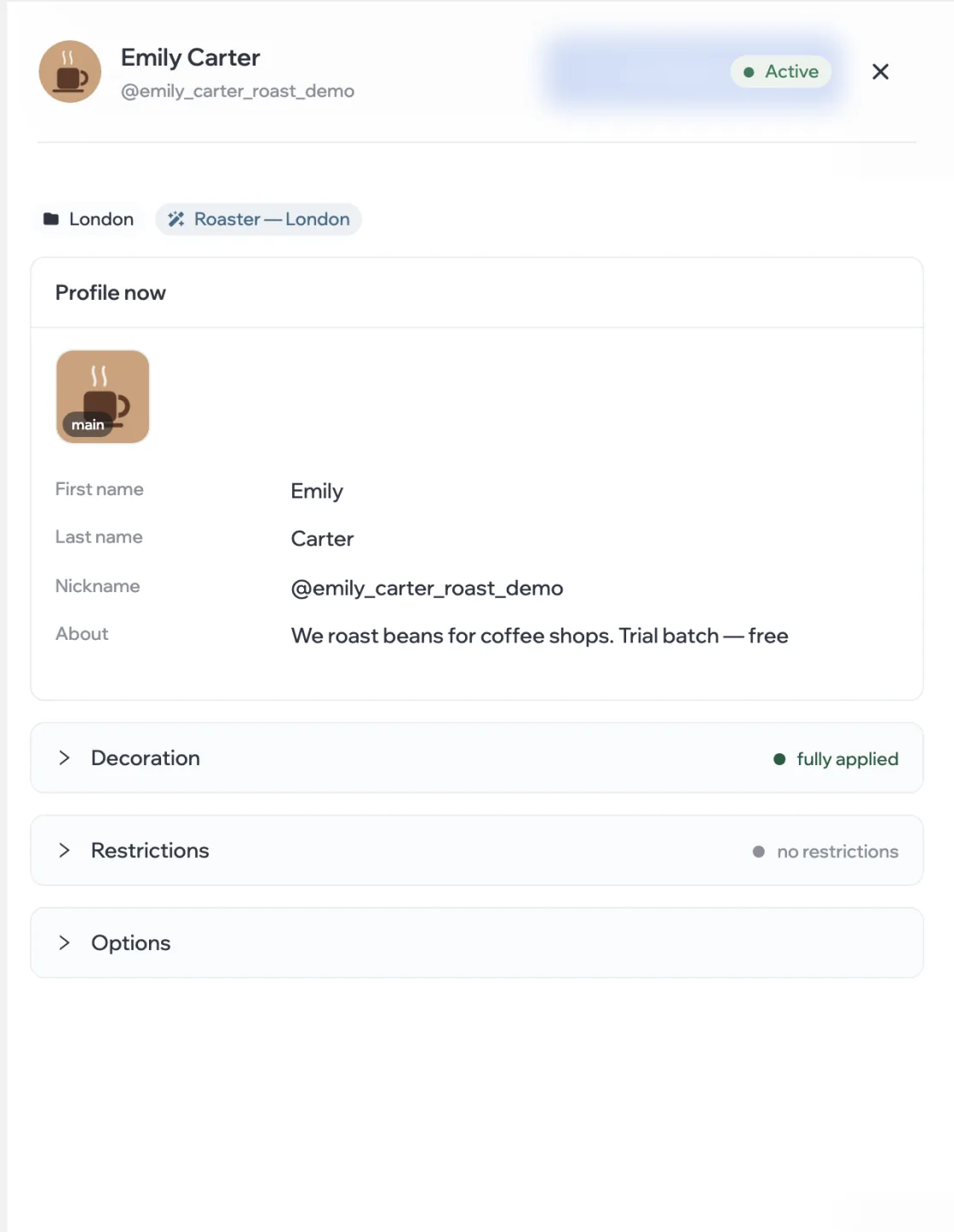
Click an account in the table or the Open button — the card opens on the right.