Where to start
IntelgramAI runs Telegram conversations for you: it writes to people from your list, replies following your script and follows up with those who stay silent. Before your first campaign: sign-up, an account package and four steps in the dashboard.
The assistant knows all of this documentation
Connect MCP to Claude or ChatGPT and describe the task in plain words. The assistant finds and checks your audience, builds a script with branches and follow-ups, runs it in the sandbox, assembles the campaign and shows the results. And what can only be done in the dashboard — setting up accounts, paying, clicking “Start” — it walks you through step by step, with a link to the right article.
Before you begin
- Sign inWith Google or Telegram
- Choose a countryFor your accounts — once
- Choose a packageOr a trial
Four steps in the dashboard
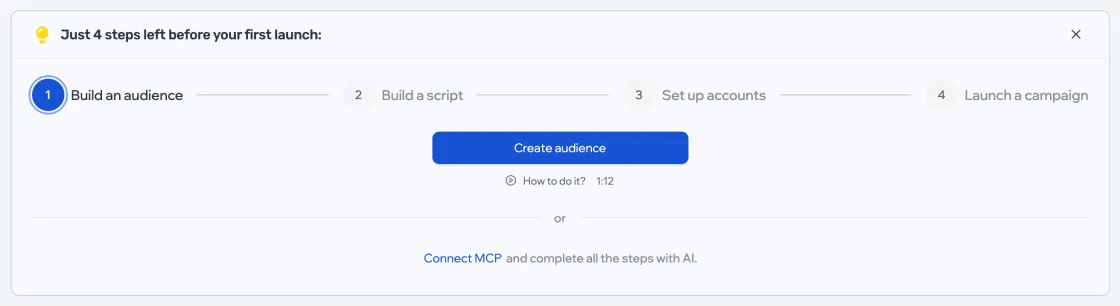
Once your accounts are delivered, the dashboard shows the steps to your first launch itself — with buttons and short lessons.
| Step | What to do |
|---|---|
| 1. Build an audience | Create a list and add people to it — your own base or members of topic chats |
| 2. Build a script | Create a script: the first message, replies and follow-ups |
| 3. Set up accounts | Apply a template — accounts without a profile setup aren’t used in campaigns |
| 4. Launch a campaign | Build a campaign from a list, a script and accounts, and start it |
You can hide the prompt — it won’t appear again in this browser.