Sign up
There’s no separate sign-up: your dashboard is created the first time you sign in. Then you choose the accounts’ country and a package.
Sign in
On the sign-in page, choose a method:
- Sign in with your Google account. Your email is linked right away — you’ll need it for payments.
- Telegram
- Sign in through the Telegram bot: open the bot from the link and confirm. If the link has expired, get a new one.
By continuing, you agree to the terms and the privacy policy.
Choose a country
- Choose the country for your accounts — all the accounts you rent will be registered in it.
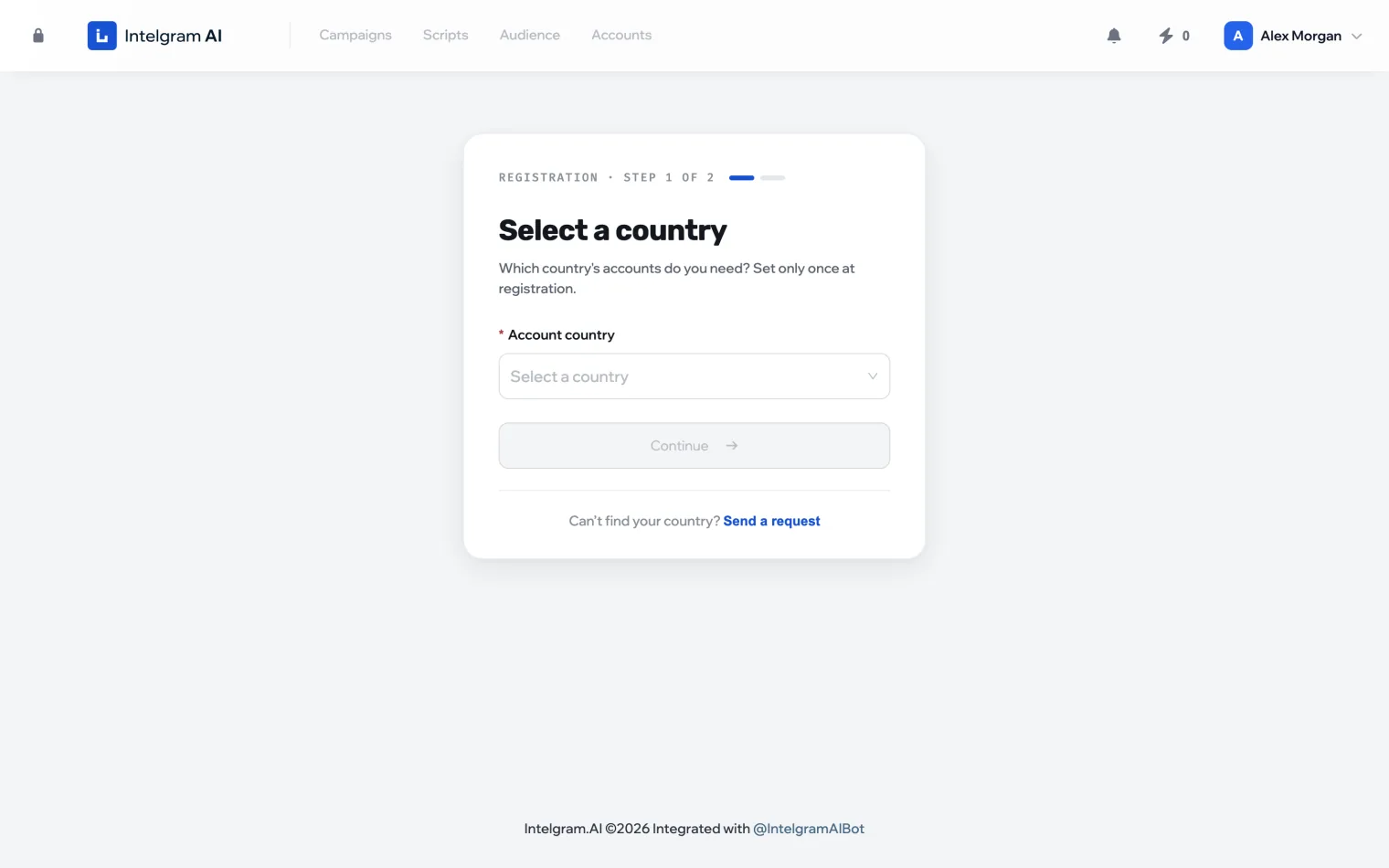
- Click Continue and confirm your choice.
The country can’t be changed. It’s chosen once and fixed to your profile. It also determines the available payment methods.
Your country isn’t on the list? Click Send a request and pick it: requests are taken into account when the list grows.