Create a list
A list is a separate contacts table for one task: a niche, a city, a CRM export.
Create
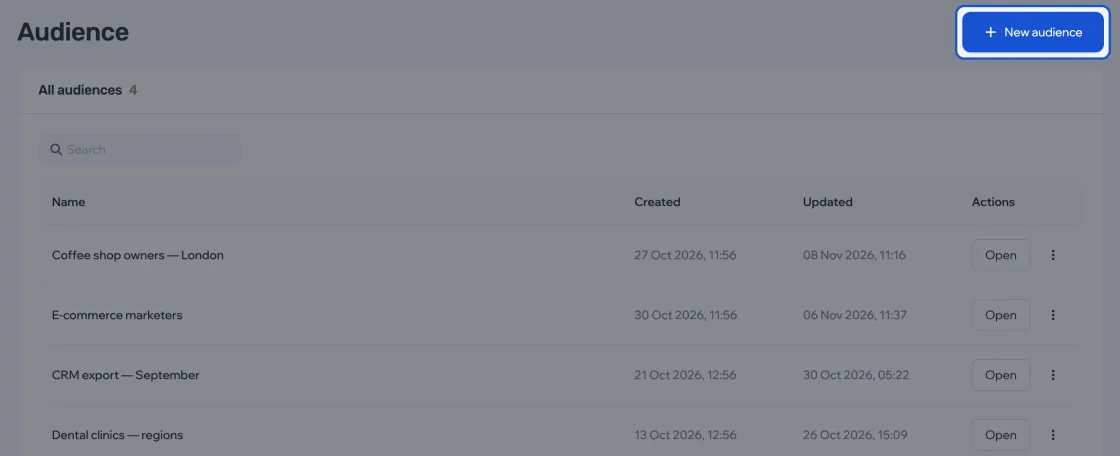
- In Audience, click New audience.
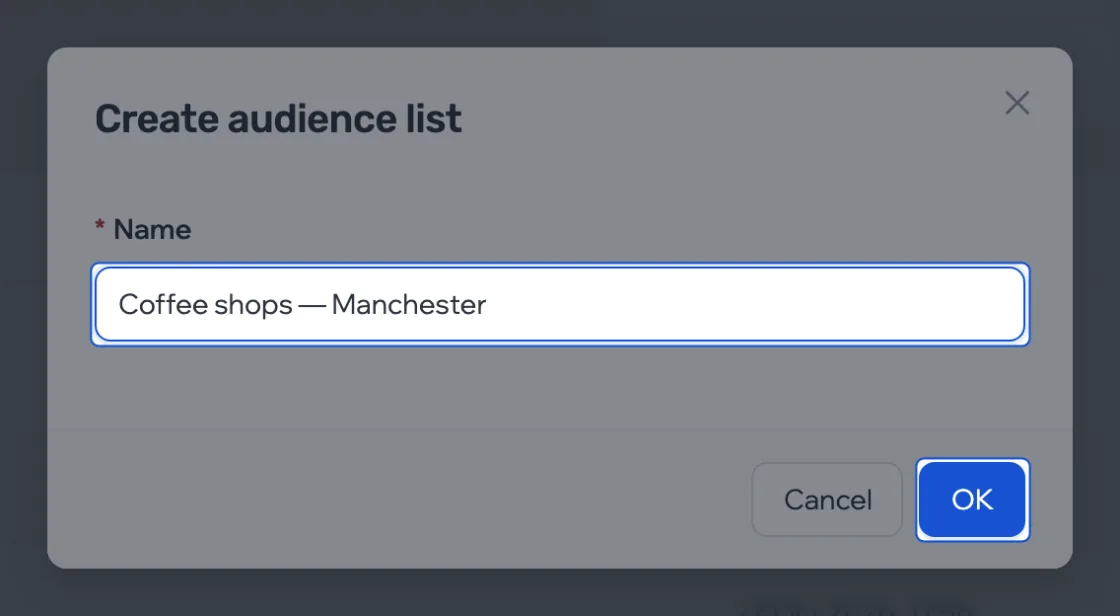
- Enter a name and confirm.
- Open the list and add contacts.
Rename
Click the name in the list header, type a new one and press Enter.

Delete
More › Delete list.
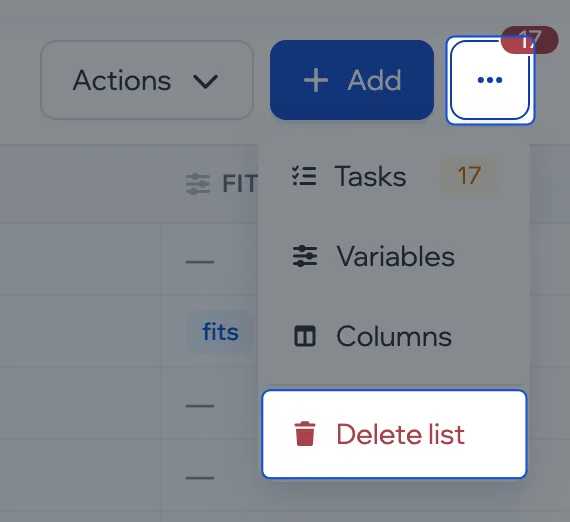
This can’t be undone. All of the list’s contacts and sources are deleted.
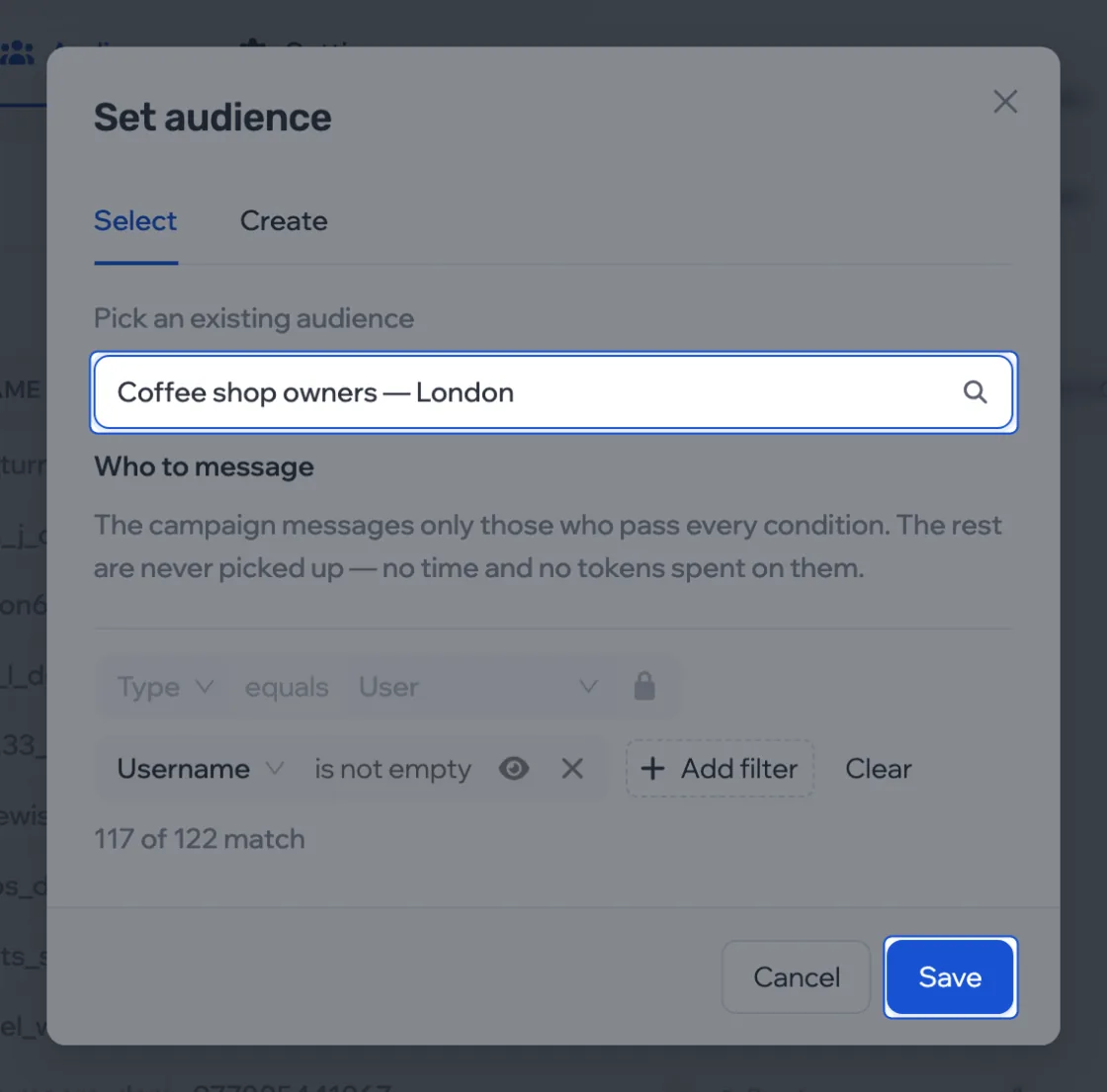
Connect to a campaign
In the campaign, open the Audience tab, click Replace, choose a list and click Save. A campaign uses one list.