Collect people from chats
Parsing adds a chat’s members and everyone who wrote in it to the list. Paid
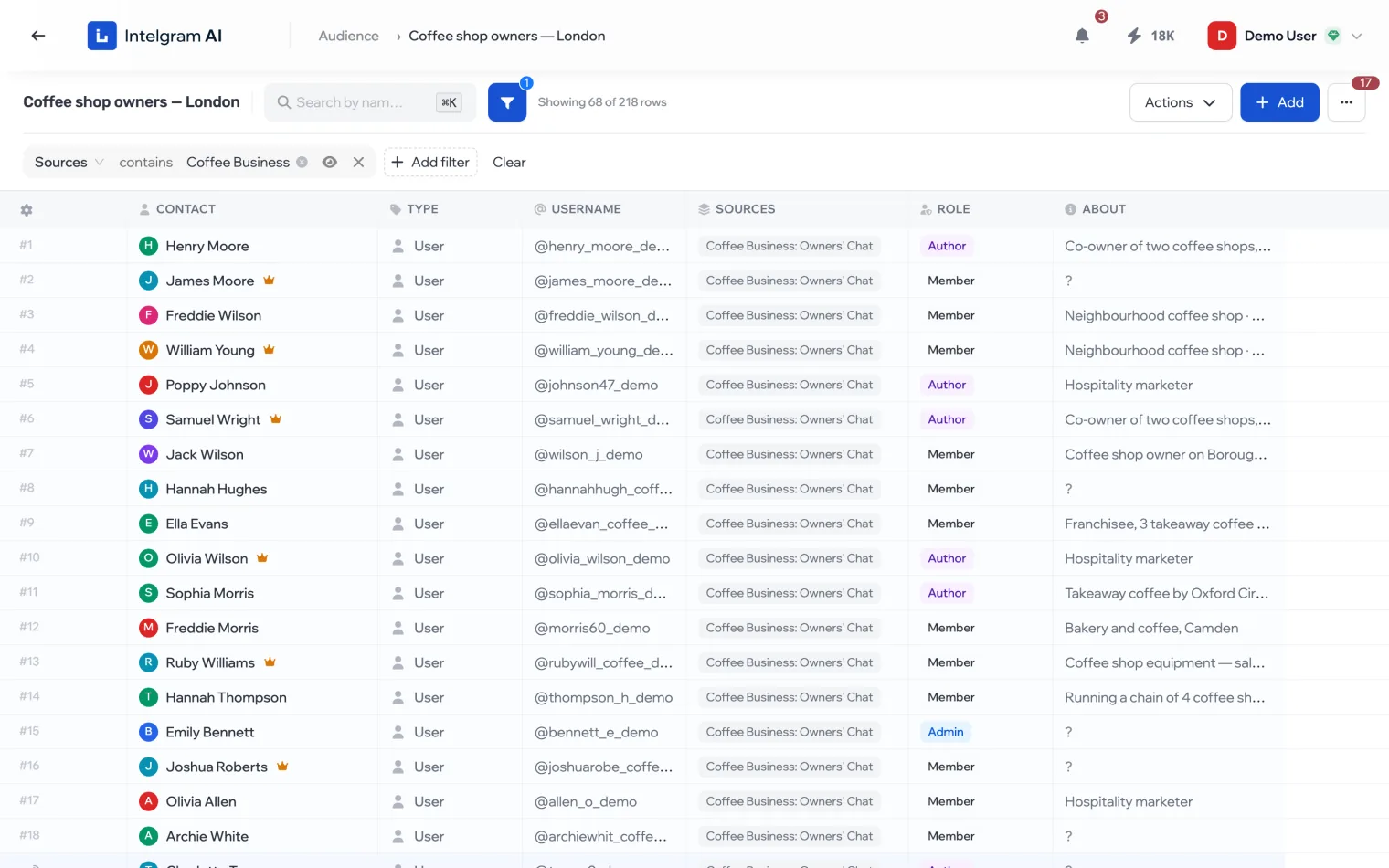
Who you can collect
- Members
- Who belongs to the chat. Role: owner, admin or member.
- Message authors
- Who wrote in the chat. They’re added even without a username if the chat is public.
Start
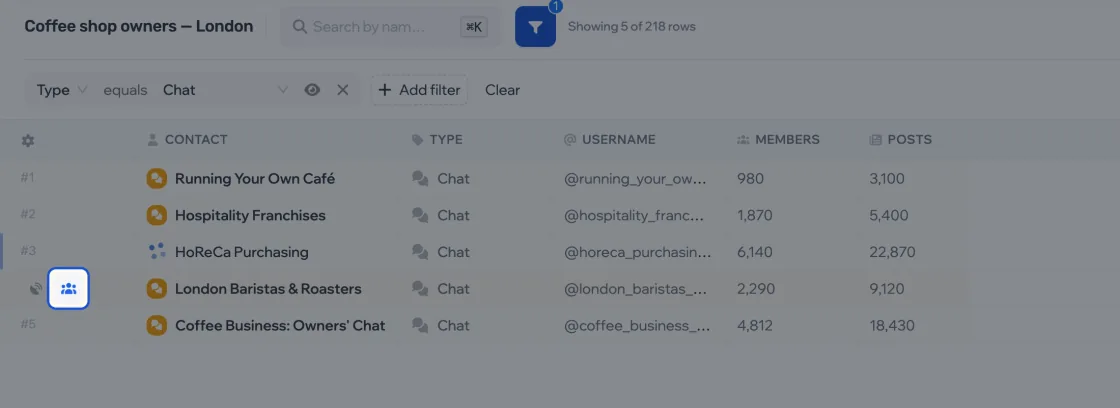
- Hover over a chat row — buttons appear in place of the row number. Click the button with people: that’s Parse members.
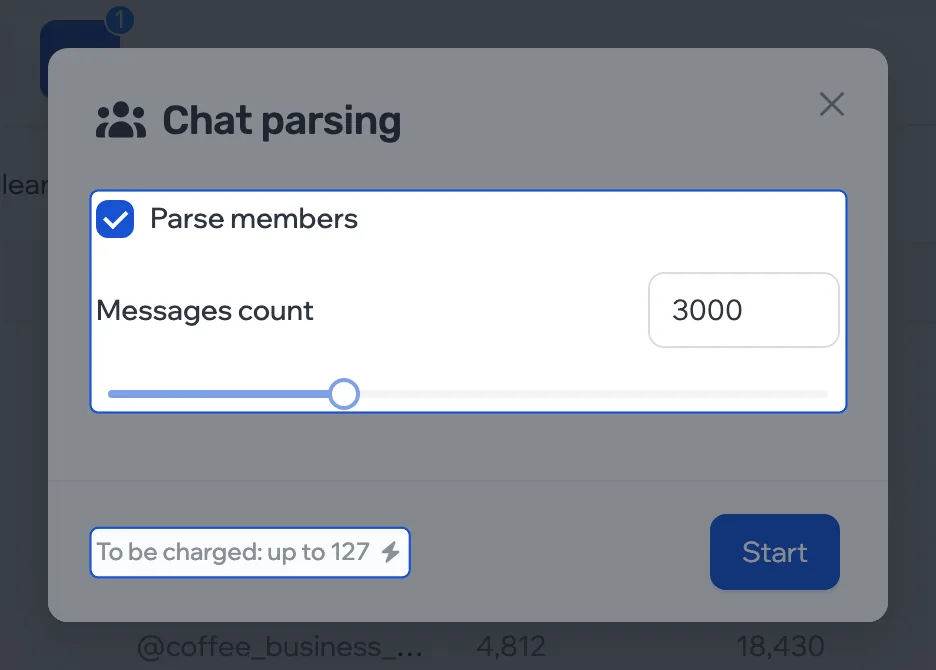
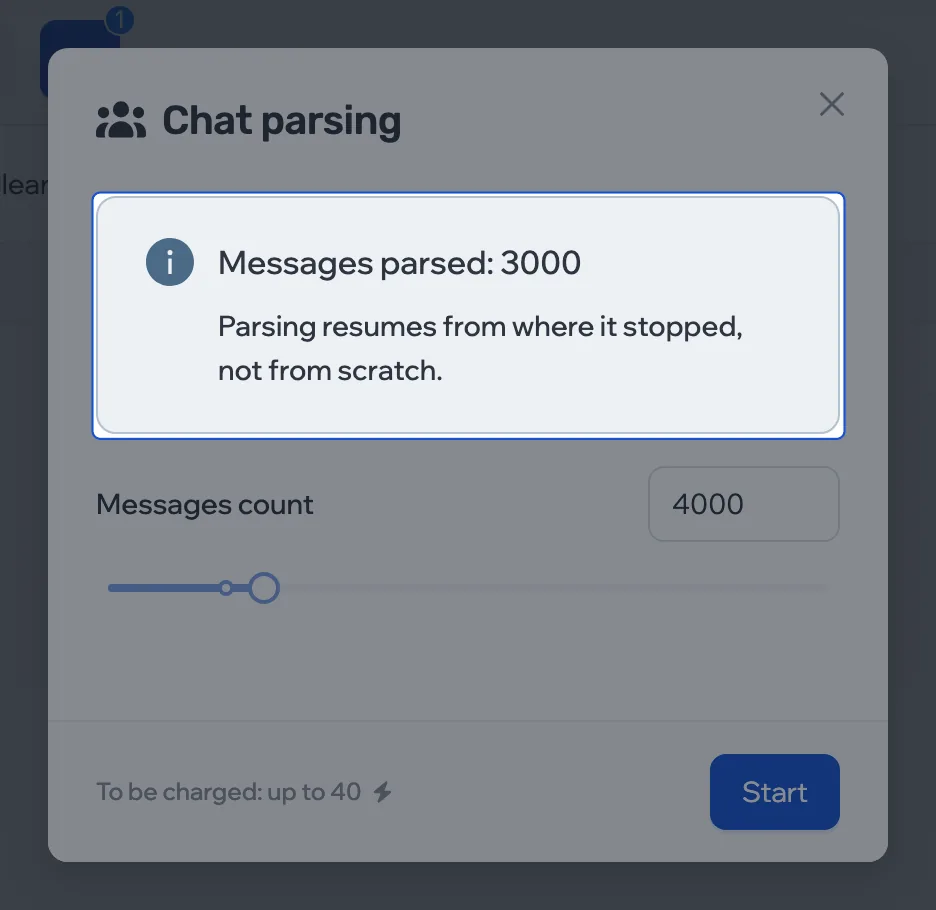
- Choose whom to collect and how many messages to go through. The “up to N” amount is a ceiling: you’re charged for what’s actually done.
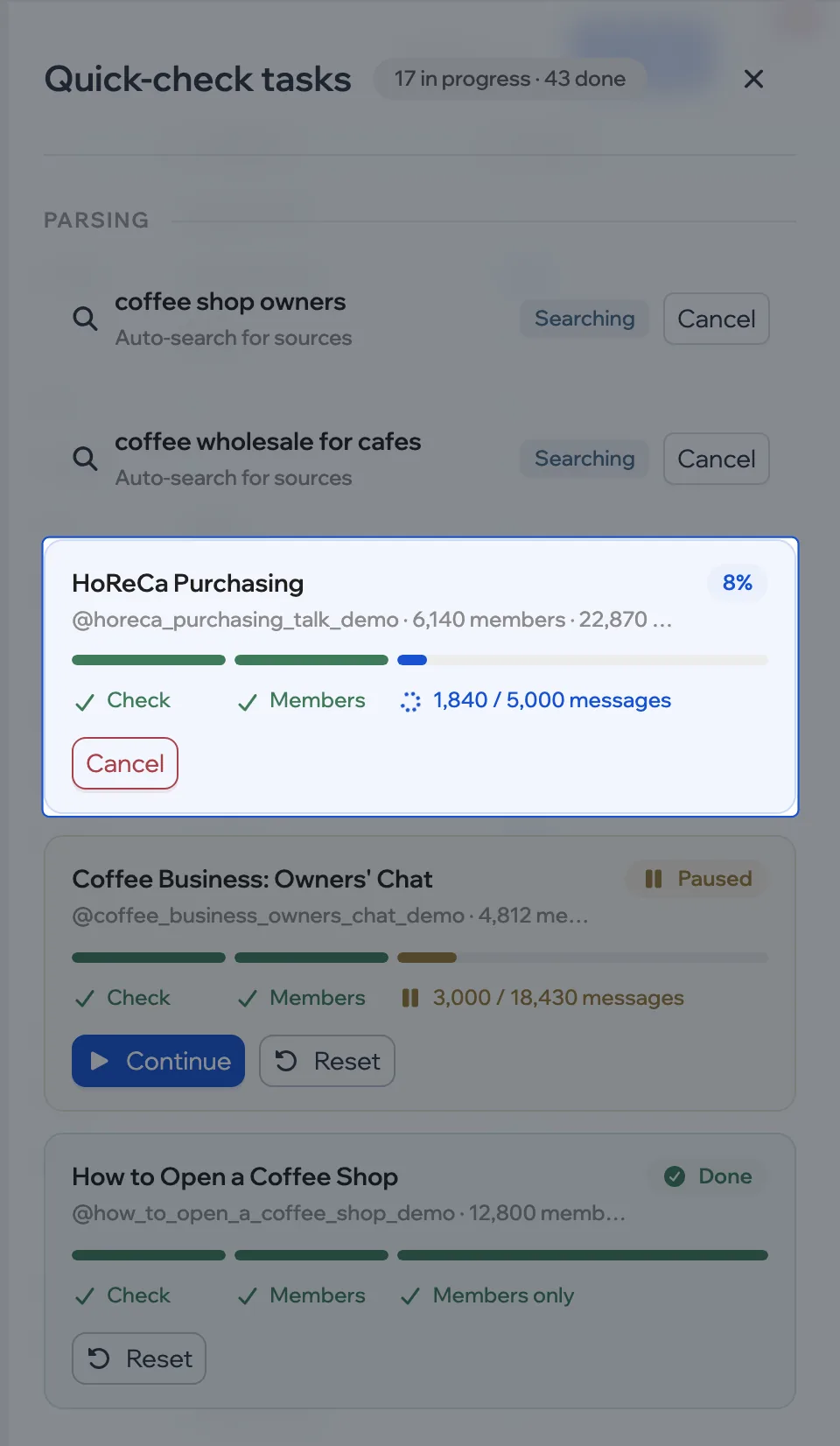
- Click Start. Progress is in More › Tasks.
Button greyed out? First get data for the chat. A channel needs a discussion chat — people are collected from it.
Pause and resume
A running parse can be stopped with Cancel on its card in the tasks panel — a cancelled parse can’t be resumed later. When the set number of messages has been processed, the card pauses and shows Continue and Reset. Whatever was collected stays in the list either way.
Need more messages? Open this chat’s parsing window again, raise the number and click Start: parsing picks up where it stopped instead of starting over.
Errors
| Message | What to do |
|---|---|
| Source is not ready to parse yet | Get data for the chat |
| This channel has no linked chat | Look for people in other chats |
| Members parsing is already running for this source | Wait for it in the tasks panel |