Check contacts
A check looks up in Telegram who is behind a row — a person, a chat or a channel — and pulls in the profile. Paid
Which check to choose
| Check | For which rows | What you get |
|---|---|---|
| Get data | Has a username or a message in a public chat | Type, name, bio, badges, member and post counts for chats |
| Check by phone | Has a phone number | Finds the Telegram account — after that the person can be messaged |
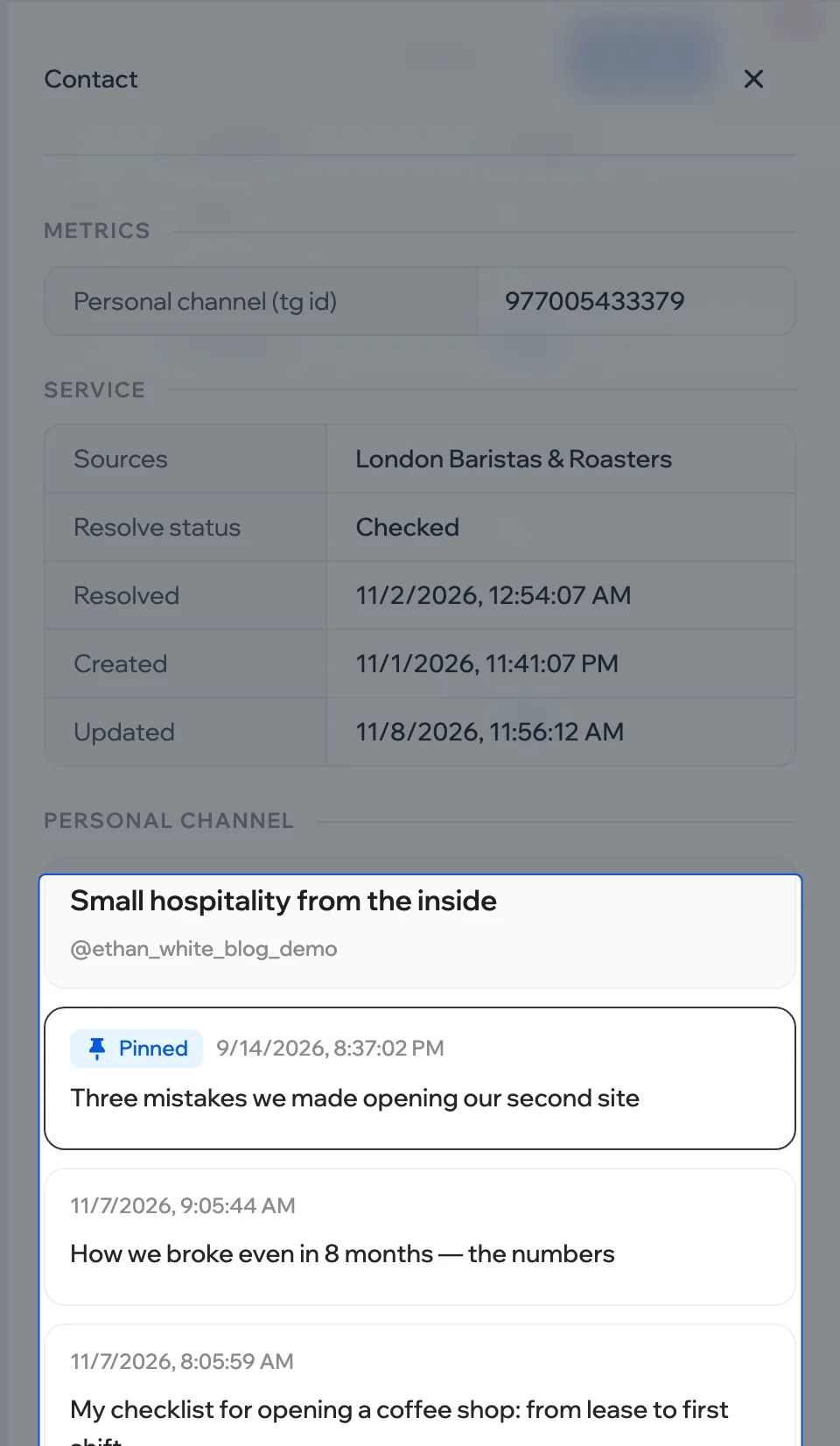
| Check personal channels | The person has a personal channel | The channel’s latest posts |
Start
- Narrow the rows down with a filter — the check takes the first rows of the current view.
- Click Actions and choose a check. The price per row is next to its name.
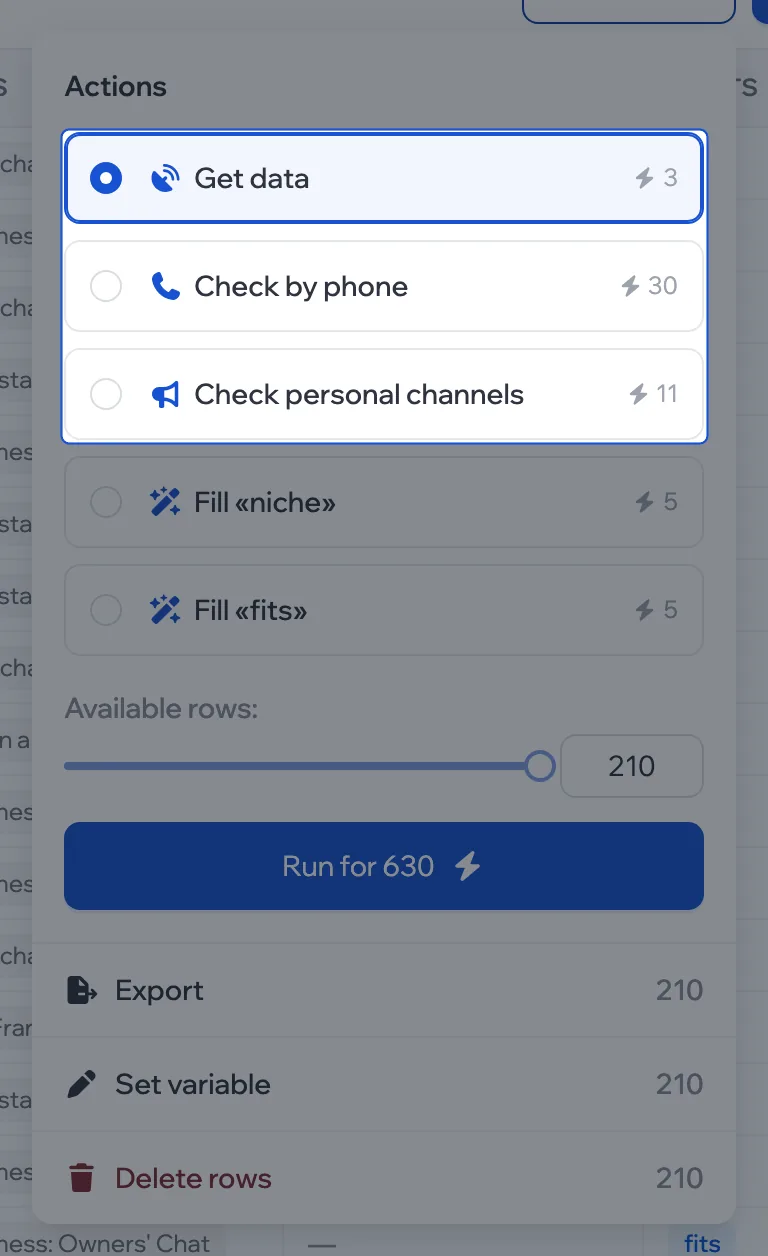
- Set the number of rows with the slider and click Run for.
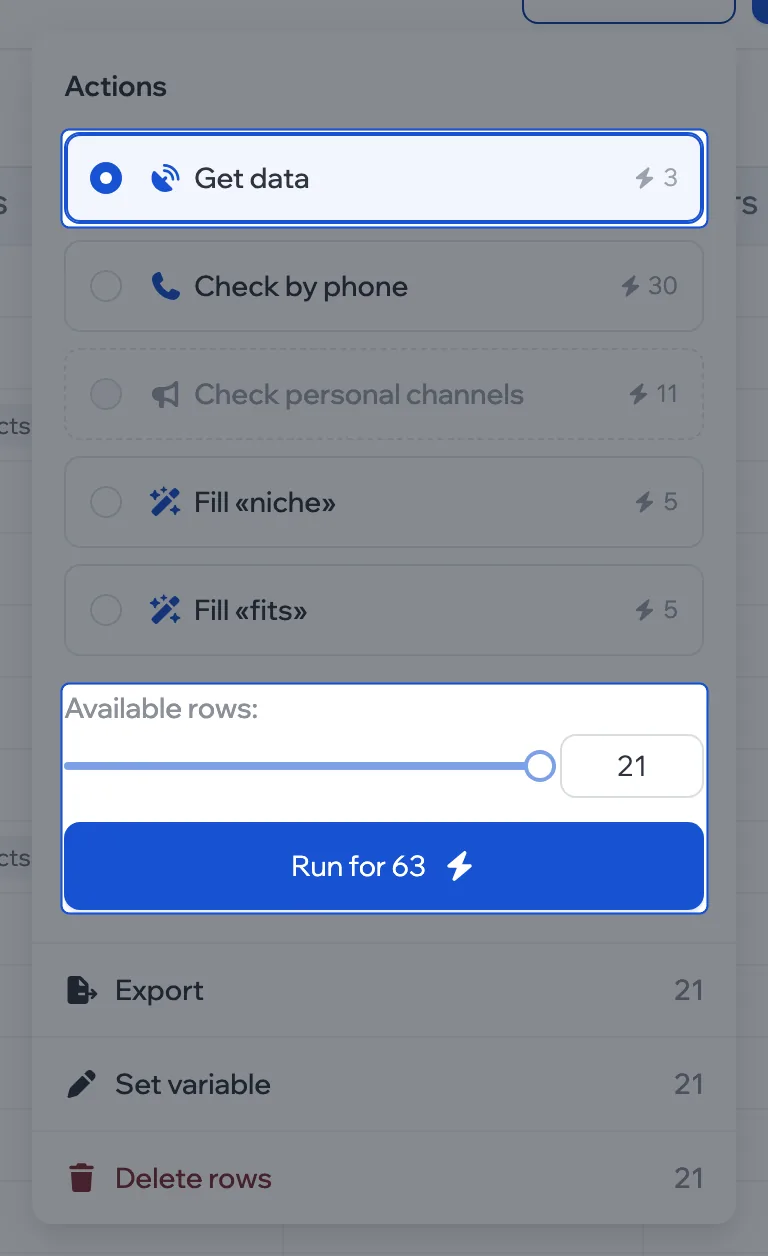
You can check a single row with a button in the row itself: hover over it, and action buttons appear in place of the number.
See the result
The table updates by itself. Everything about a row is in its card: click the row.
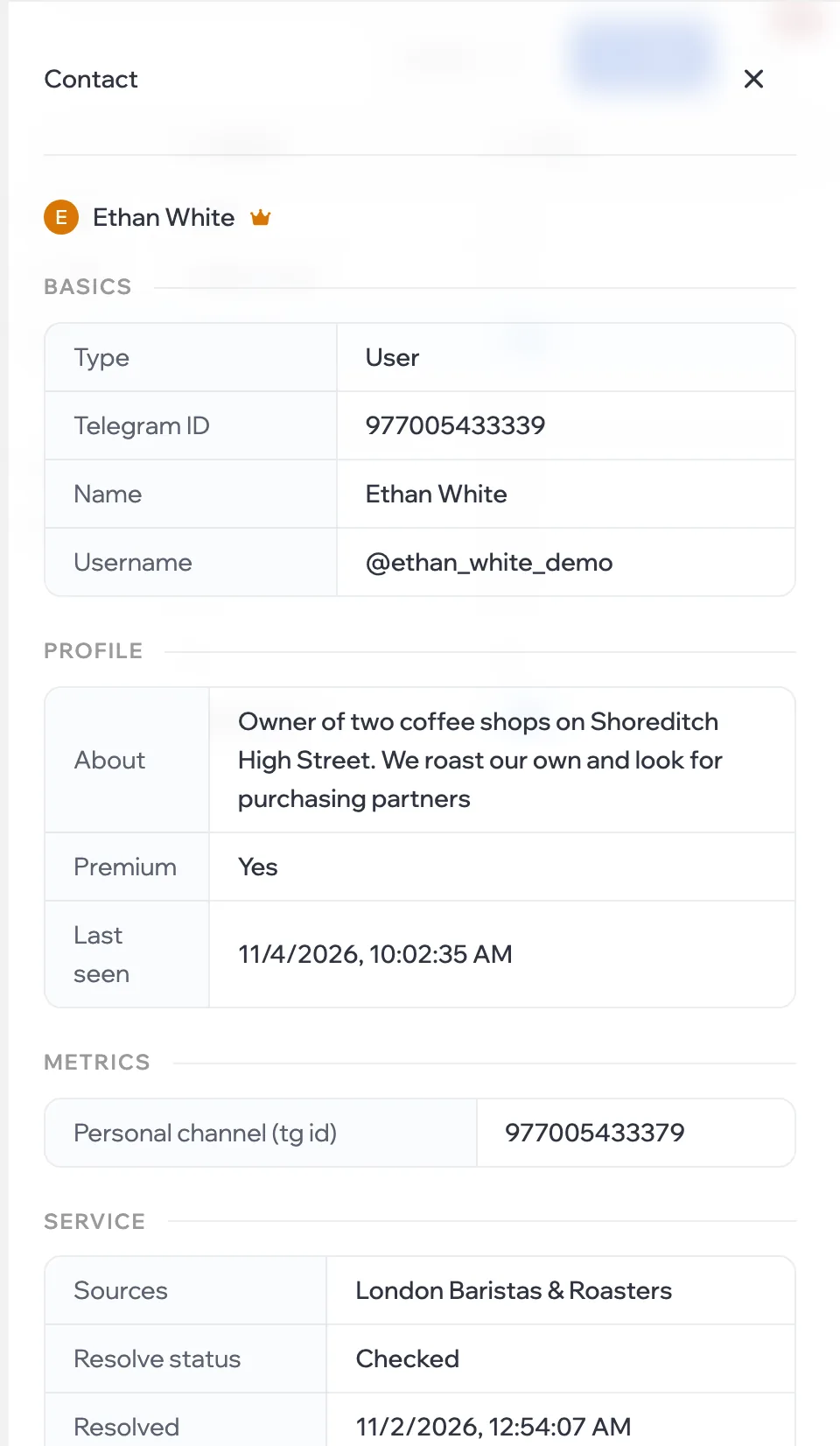
Personal channel posts are in the card’s Personal channel section.
Track progress
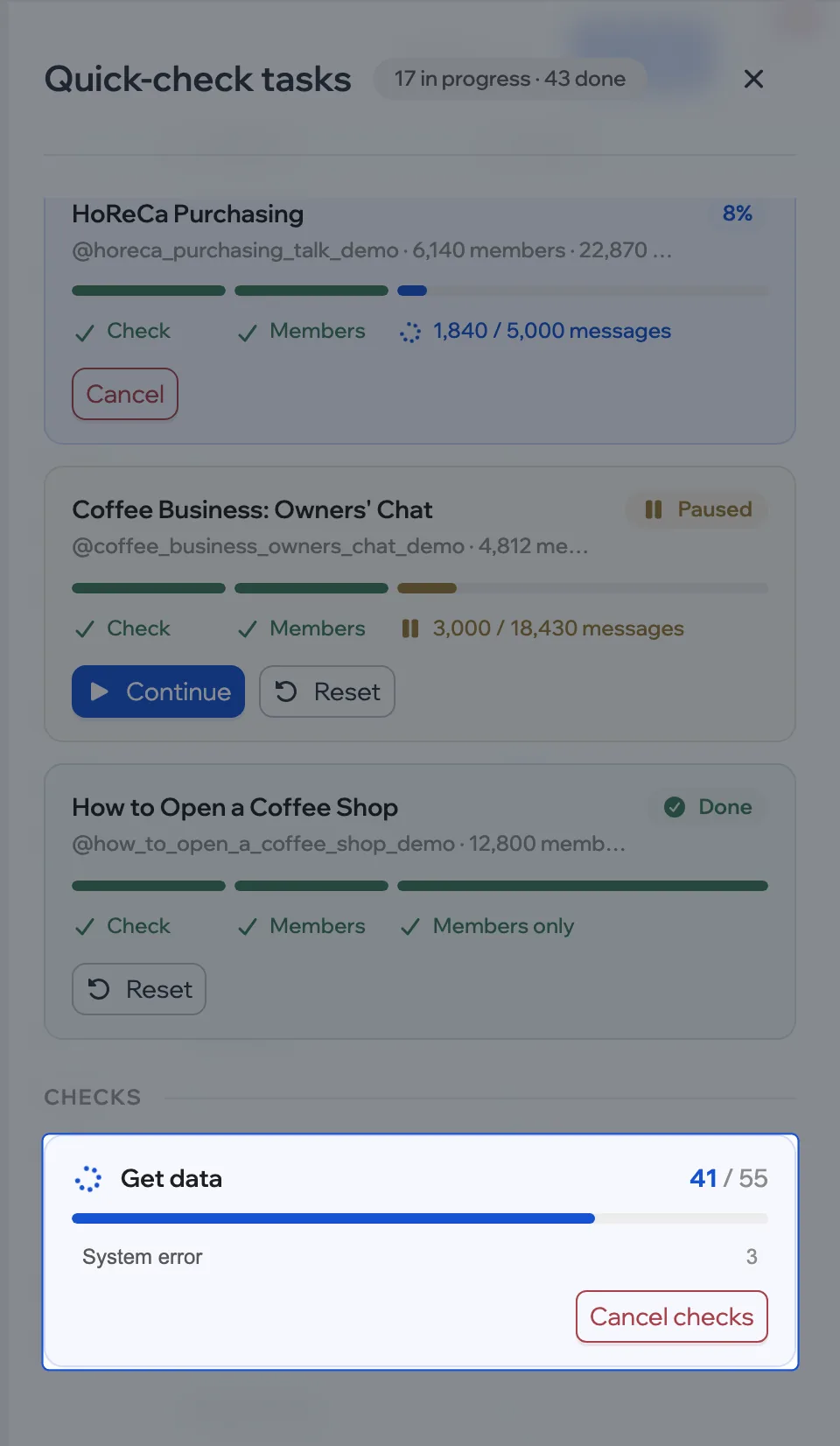
More › Tasks: how many are checked, what’s in progress, error reasons. To cancel all checks, use Cancel checks.
If it won’t start
| What you see | What to do |
|---|---|
| The check card is greyed out | No matching rows — change the filter |
| Not enough tokens | Reduce the number of rows or top up your balance |
| An active package is required | Open plan and renew the package |
A row came back with an error — see what it means in the reference.