Start and stop
Before starting, a campaign checks itself. It starts with a dialog limit, and after that you can pause or stop it.
Check readiness
On the Overview, the Status block holds the audit: what’s keeping the campaign from working. The fix link takes you where the problem is solved.
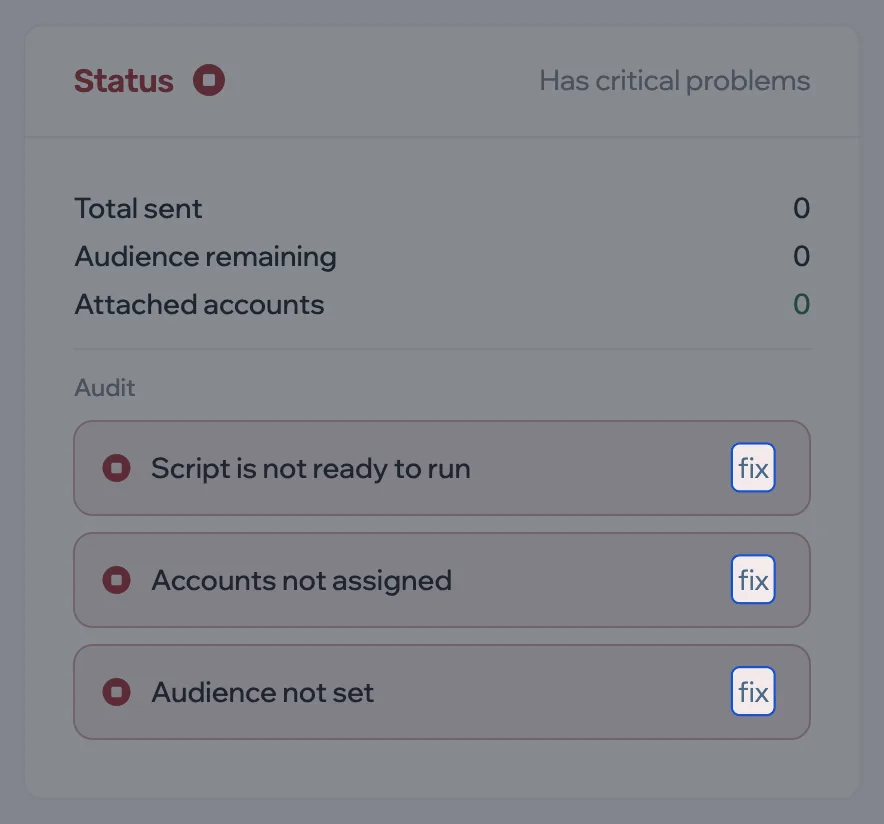
While there are critical problems — no script, audience or accounts, or the script isn’t ready — the start button tells you to solve them first. All problems and what to do about them are in the reference.
Start
- On the campaign page, click Start.
- Set the Dialog limit — how many people the campaign takes on in this launch, from 1 to 10,000. Click OK.
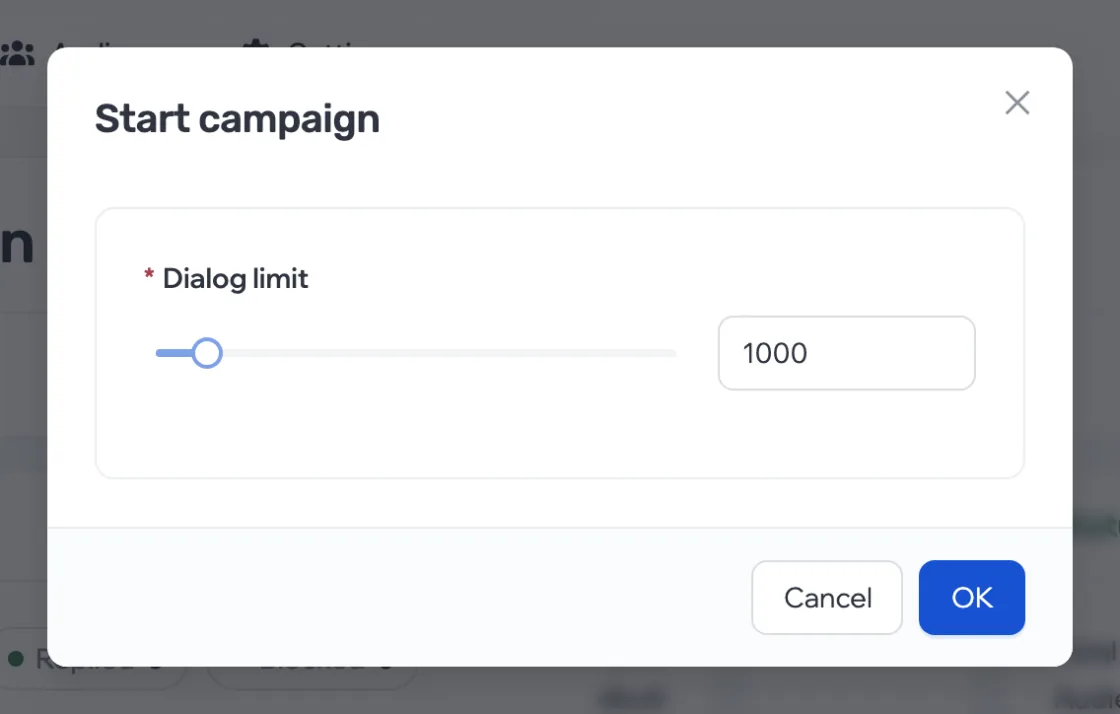
Each launch is a new iteration with its own limit. The progress bar at the top of the page shows how many messages have been sent out of the limit. Once the limit is used up, the campaign stays active: it takes on no new people but keeps replying to and following up with those it’s already talking to.
Pause
The pause button is next to Stop.

- The campaign takes on no new people. Messages that were still waiting to be sent are cancelled.
- Dialogs already started continue: replies are processed and follow-ups run.
- Resume continues the same launch with the same limit.
Stop
Stop ends the launch. A stopped campaign handles no new people, no replies and no follow-ups. Starting it again opens a new iteration with a new limit; people the campaign has already written to won’t be picked up a second time.
Launch history
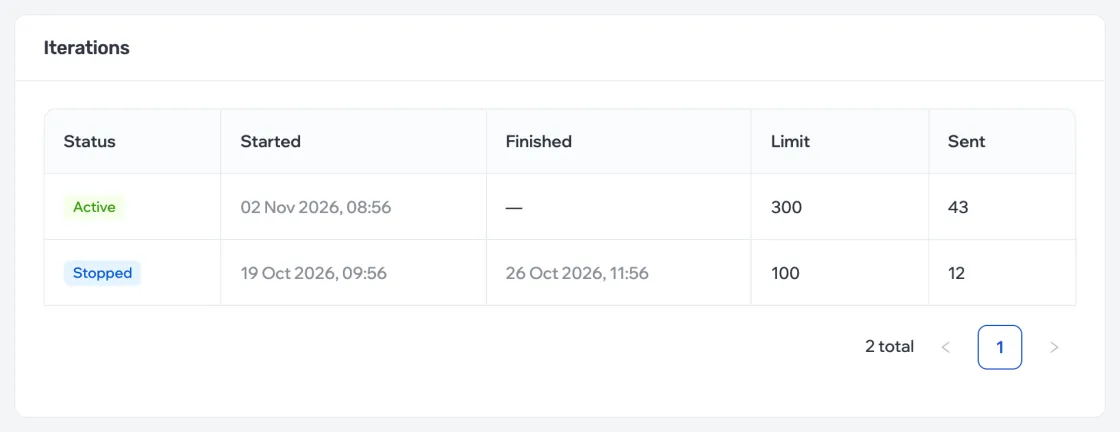
At the bottom of the Overview is Iterations: each launch with its status, dates, limit and how many messages went out.
Delete
In Settings, the Danger zone holds Delete campaign. This can’t be undone.