Conversions
A conversion is a stage a dialog has reached: replied, got interested, ordered a trial batch. They show how conversations end and which version of a script works better.
Set up conversions
- Settings › Conversions › Create: a name, a color and Show — whether the stage appears in campaign stats.
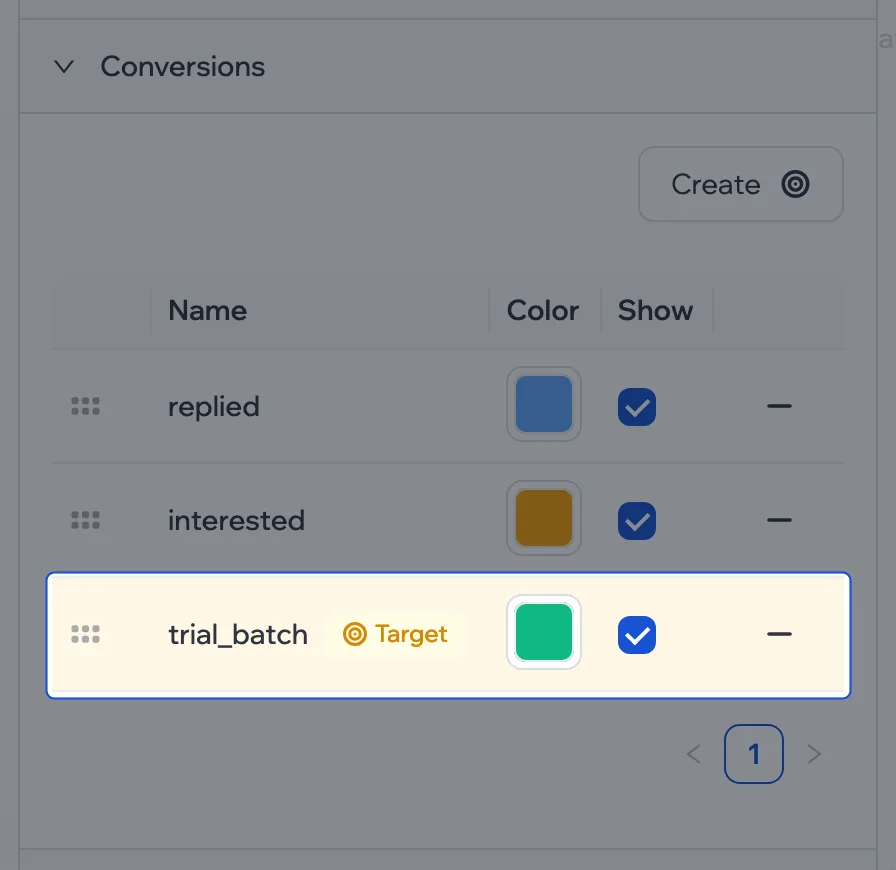
- Drag the stages into order. The last one in the list is the Target: the main result the campaign is for.
The name starts with a letter, followed by letters, digits and _, and must be unique within the script.
Mark a stage
Put a Set conversion block where the stage is reached and choose the conversion. For example, right after Incoming — “replied”; after the “Interested?” condition — “interested”.
A given conversion is set on a dialog only once, however many times the branch passes through the block.
Where you see them
Conversions show up in the campaign’s stats and filters. You can also set or remove one by hand right in the conversation.
To compare two openers, split them with an A/B test and see which variant reaches the target more often.